
Accessibility in Design: Creating Digital Spaces for Everyone
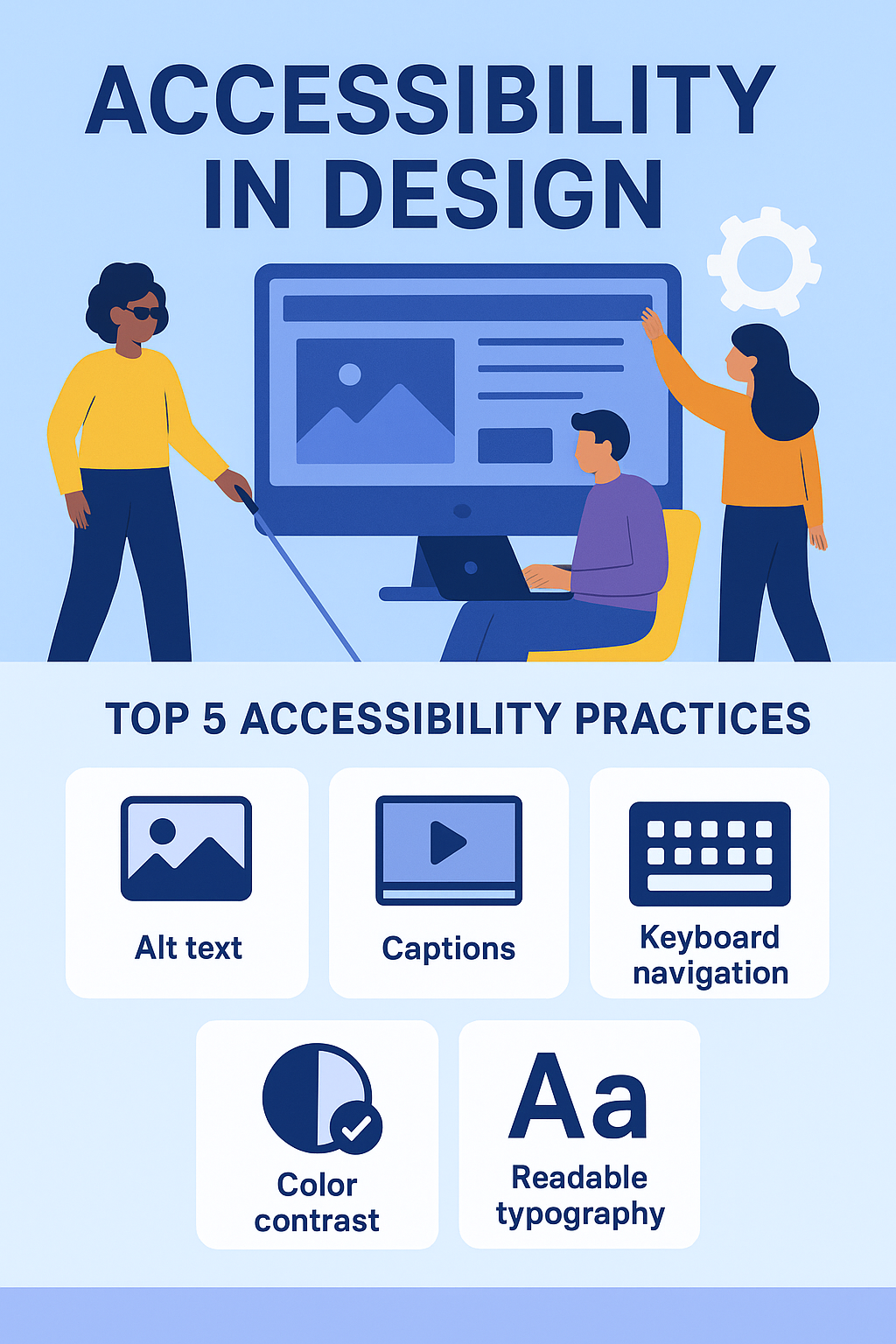
In today’s digital-first world, accessibility is not just a feature—it’s a necessity. Millions of people with disabilities rely on the internet to connect, learn, shop, and work. Yet, too many websites still overlook basic accessibility practices, unintentionally excluding a large portion of their audience. Designing for accessibility doesn’t just help people with vision, hearing, cognitive, or motor impairments—it makes the online experience better for everyone.
For example, captions aren’t only for the hearing-impaired; they’re useful in noisy environments, too. Larger clickable areas don’t just help people with limited dexterity—they improve usability for users on small mobile screens. Accessibility creates empathy-driven design, which ultimately builds stronger customer relationships and increases trust in your brand. Most importantly, it’s not just good practice—it’s also becoming a legal and compliance requirement in many industries.
By embracing inclusive design, we can ensure digital spaces are not only innovative but also equitable. In short, accessibility is about opening doors, not closing them.
Why Accessibility Matters
Accessibility in design ensures that all users, regardless of ability, can interact with your website or app. It’s about creating an inclusive experience where no one is left behind. Accessible design improves usability for everyone while ensuring compliance with standards like WCAG (Web Content Accessibility Guidelines).
Key Accessibility Practices
Use Alt Text for Images
Provide descriptive alt text for all images to ensure visually impaired users can understand your content through screen readers.Readable Typography
Choose high-contrast text and legible fonts. Avoid overly small sizes and ensure your text is scalable for users who need zoom.Keyboard Navigation
Make sure users can navigate your website entirely via keyboard, without needing a mouse. This is crucial for motor-impaired users.Captions and Transcripts
Add captions to videos and transcripts for audio content, making your media accessible to hearing-impaired users and useful for everyone else.Color Contrast and Indicators
Don’t rely on color alone to convey information. Pair color with icons, text labels, or patterns for clarity.Accessible Forms
Clearly label input fields, provide error messages, and ensure forms can be navigated via keyboard.
The Business Value of Accessibility
Accessible websites see higher engagement, improved SEO rankings, and reduced bounce rates. Beyond that, they reflect positively on your brand, showing that you care about inclusivity. In many regions, accessibility compliance is also tied to avoiding lawsuits and penalties.
Building Accessibility into the Design Process
Accessibility shouldn’t be an afterthought—it should be embedded in your design and development process from day one. Tools like screen reader testing, color contrast checkers, and automated audits can help ensure compliance.